Privacy rules per chat
Ticks, typing, screenshots, disappearing messages: set for each chat.
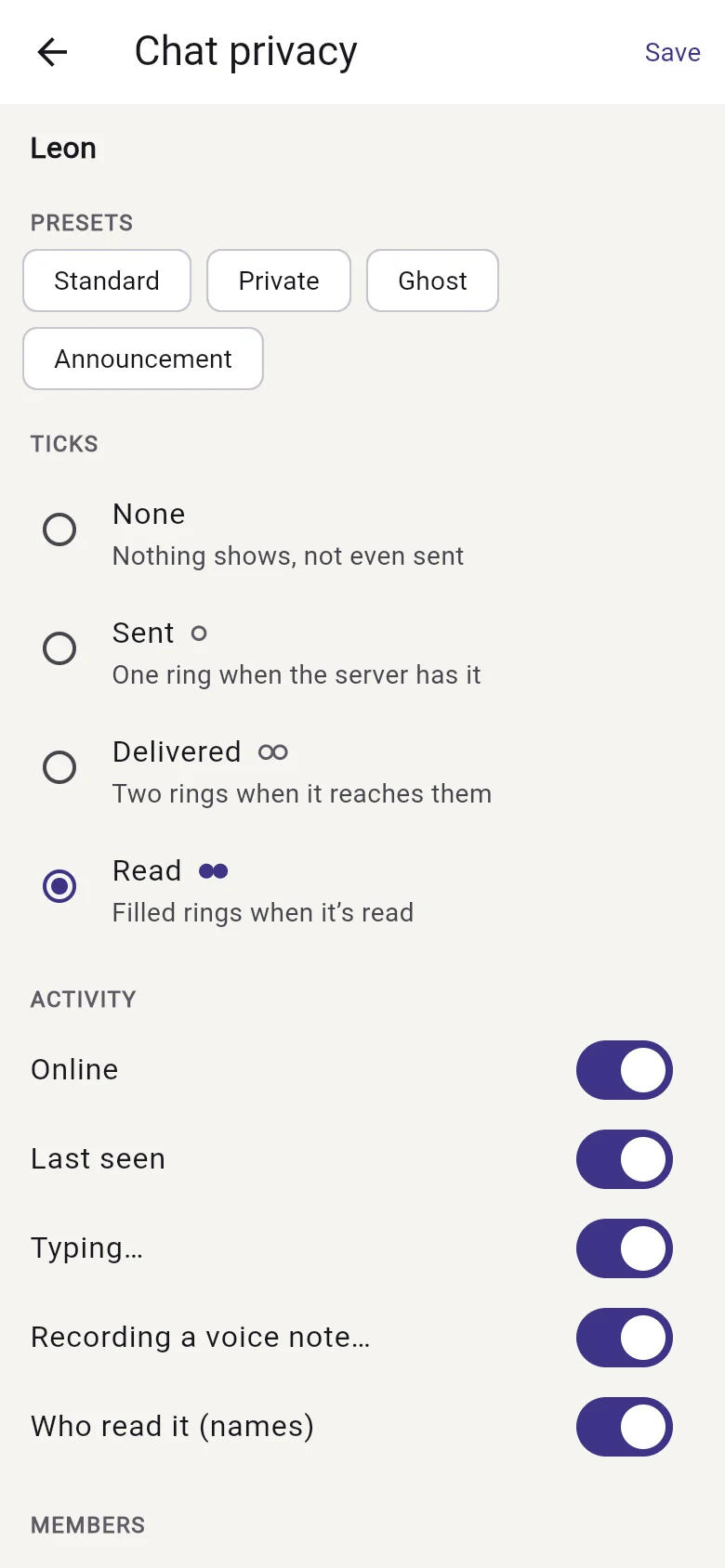
Every chat has its own privacy rules, and our server enforces them. Whoever starts a chat sets them before it opens; in a group, the owner and its admins can change them, unless the owner locks them. Start from a preset (Standard, Private, Ghost or Announcement), or set each one:
- Ticks: none, sent, delivered or read.
- Activity: whether people see who's online, last seen, typing or recording a voice note, and who read a message.
- Forwarding, saving and screenshots: forwarding can be allowed, marked "Forwarded" or not allowed, and saving photos and taking screenshots can be switched off (screenshots on phones that allow it).
- Disappearing messages: gone after 24 hours, 7 days or 90 days, or a while after they're read.
Anyone in a chat can go further for themselves under Just for me, for example by hiding their online status or last seen. To see a chat's rules, open its menu and choose Chat privacy.