Hidden chats
Some chats in an encrypted vault, behind a second PIN.
Some chats are nobody else's business. Move them into Hushpiper's encrypted vault and they disappear from your chat list and stop notifying you.
- Their messages, photos, videos and files are encrypted with a key that only your vault PIN opens, so even someone who copies your phone's storage can't read them.
- The vault has its own PIN, separate from the one that locks the app. You can choose to open it with your fingerprint or face as well.
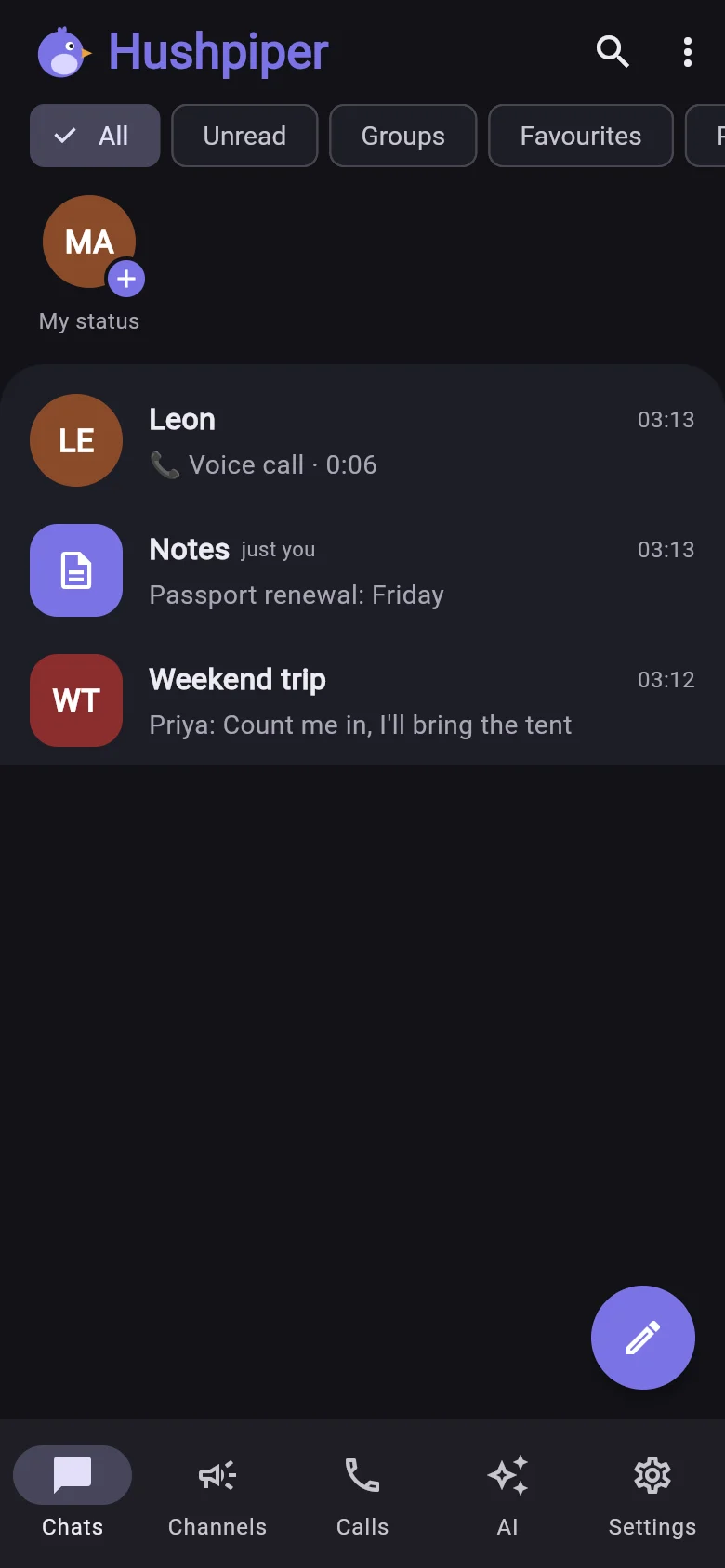
- To hide a chat, open its info and choose Move to hidden chats. On a phone nothing on your chat list shows you have any: when you hide a chat, Hushpiper tells you how to get back to them, and they open with your vault PIN. On the web and in the Windows app, open the menu on your chat list and choose Hidden chats.
Automatic backups (with the app lock on) include hidden chats, still locked with your vault PIN. Backups with a backup password don't include them.